More to add. A way to try. Confidence in the right size.
PopSmart makes three Shopify apps for offers, virtual try-on, and size guidance. Start with the app your store needs now.
Find the right app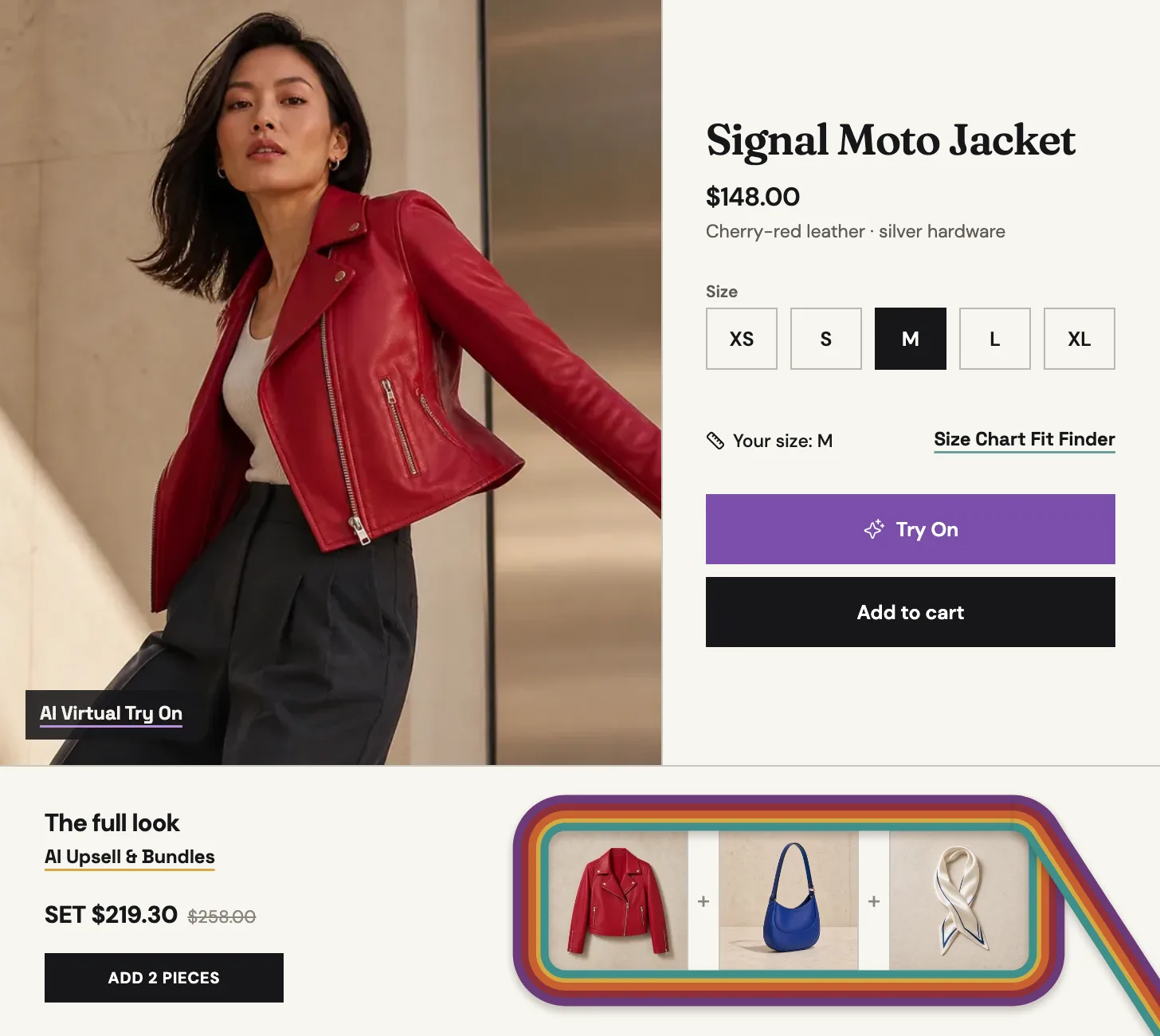
What should your store solve next?
Before you install
Can I install only one PopSmart app?
Yes. Each PopSmart app installs, runs, and bills independently. Start with the app that matches the purchase decision you need to improve.
How does setup work?
Installation is the first step. AI Upsell & Bundles uses Growth Embed, storefront connection, product sync, preview, and a merchant-controlled turn-on step. AI Virtual Try On and Size Chart Fit Finder use Shopify theme app extensions that you enable and verify before publishing.
Do I need a developer?
No theme-code edits are required. You still enable the relevant Growth Embed or theme app extension in Shopify and verify the preview or onboarding checks before publishing.
Can I start on a free plan?
Yes. All three apps offer a free plan. AI Virtual Try On includes Photo Try-On on Free, while paid plans add Live Try-On. Current limits, paid-plan trials, and billing terms stay on each product page and Shopify’s approval screen.
Start with the question your shoppers are already asking.
All three apps offer a free plan, and each one installs and bills independently.
Find the right app