01
Template Designer
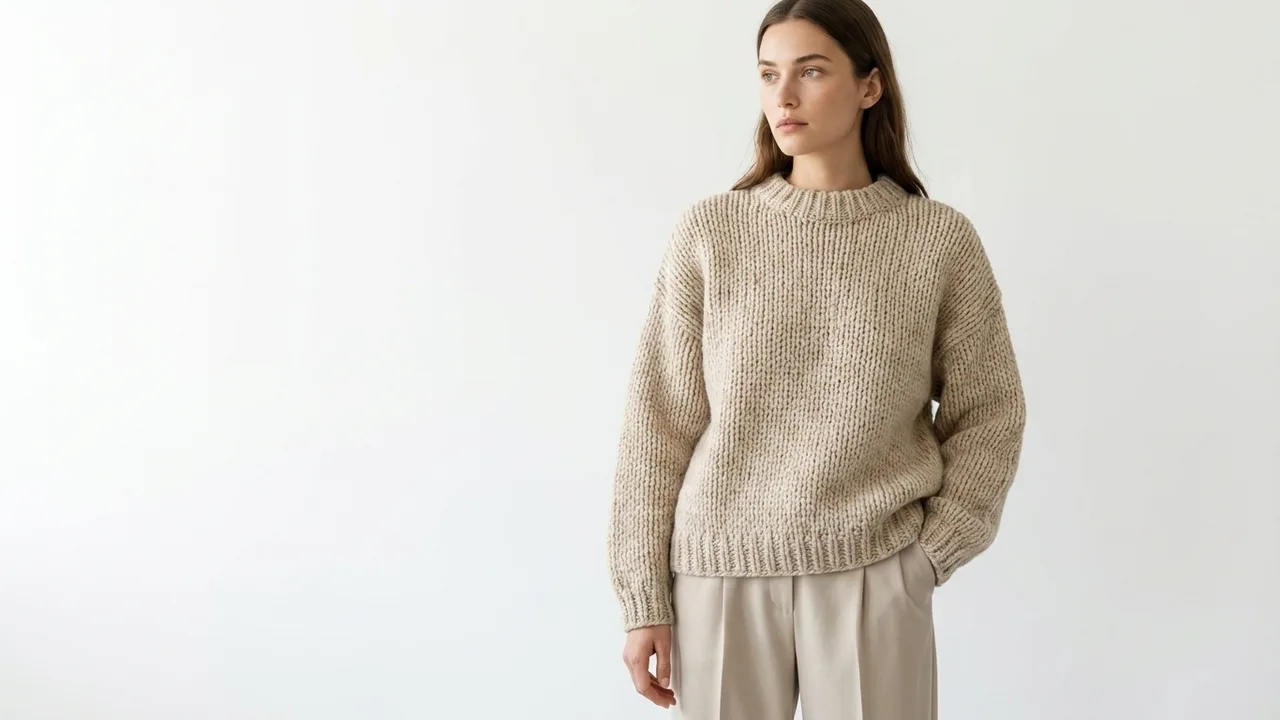
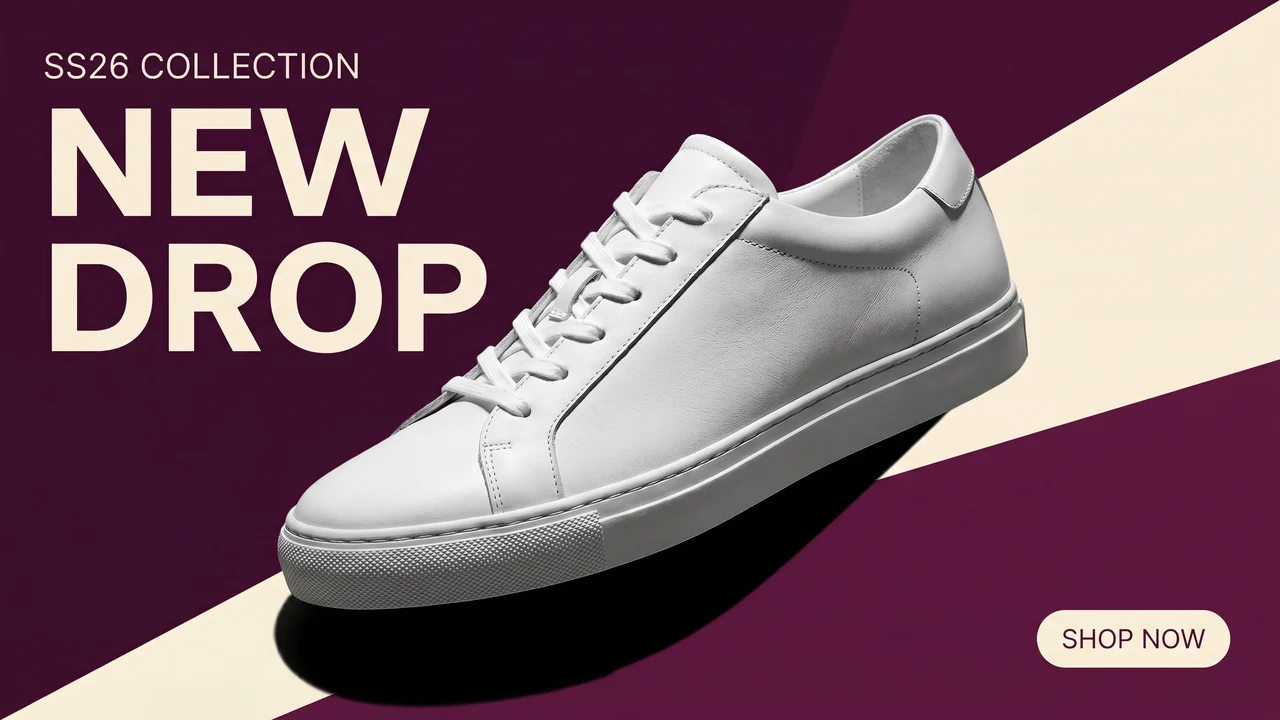
Blank canvas → on-brand design.
Give every product page a focused fitting-room modal. Photo Try-On ships on every plan, including Free; paid plans add real-time Live Try-On through the camera. Either way, shoppers add the look straight to cart.
Watch the video 0:48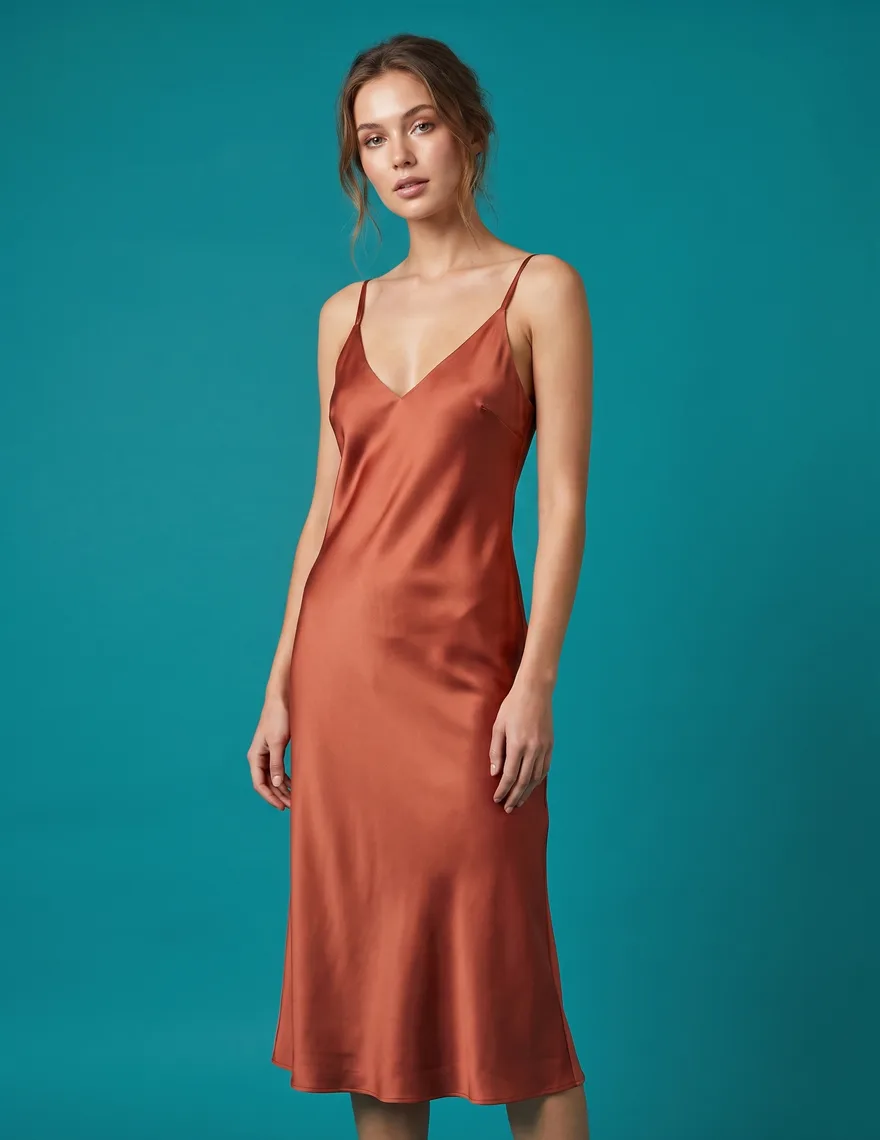
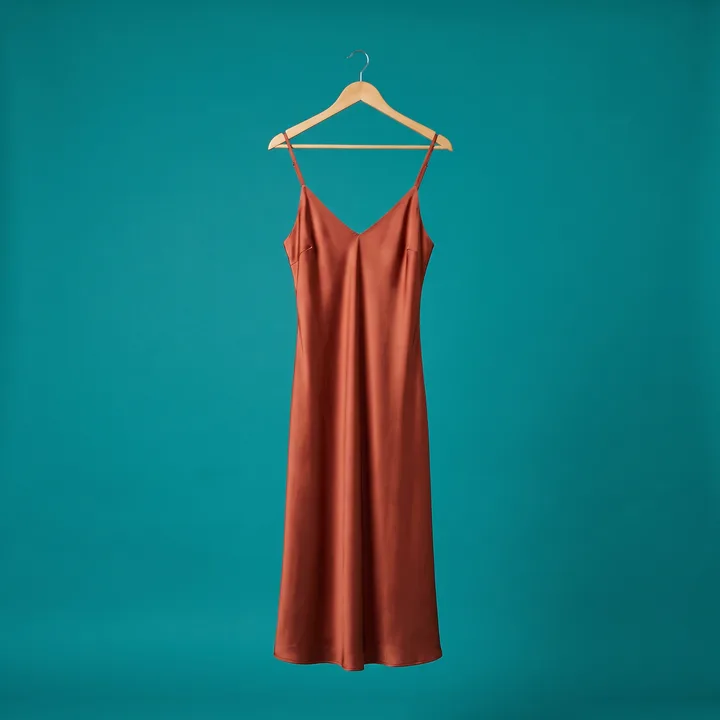
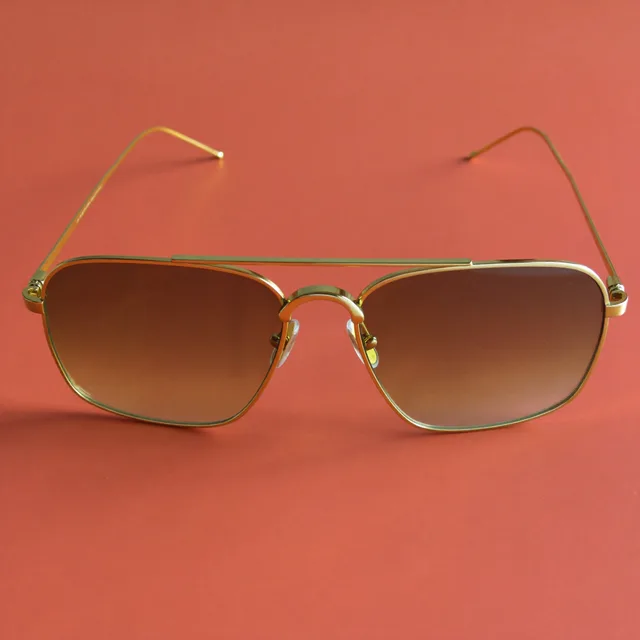
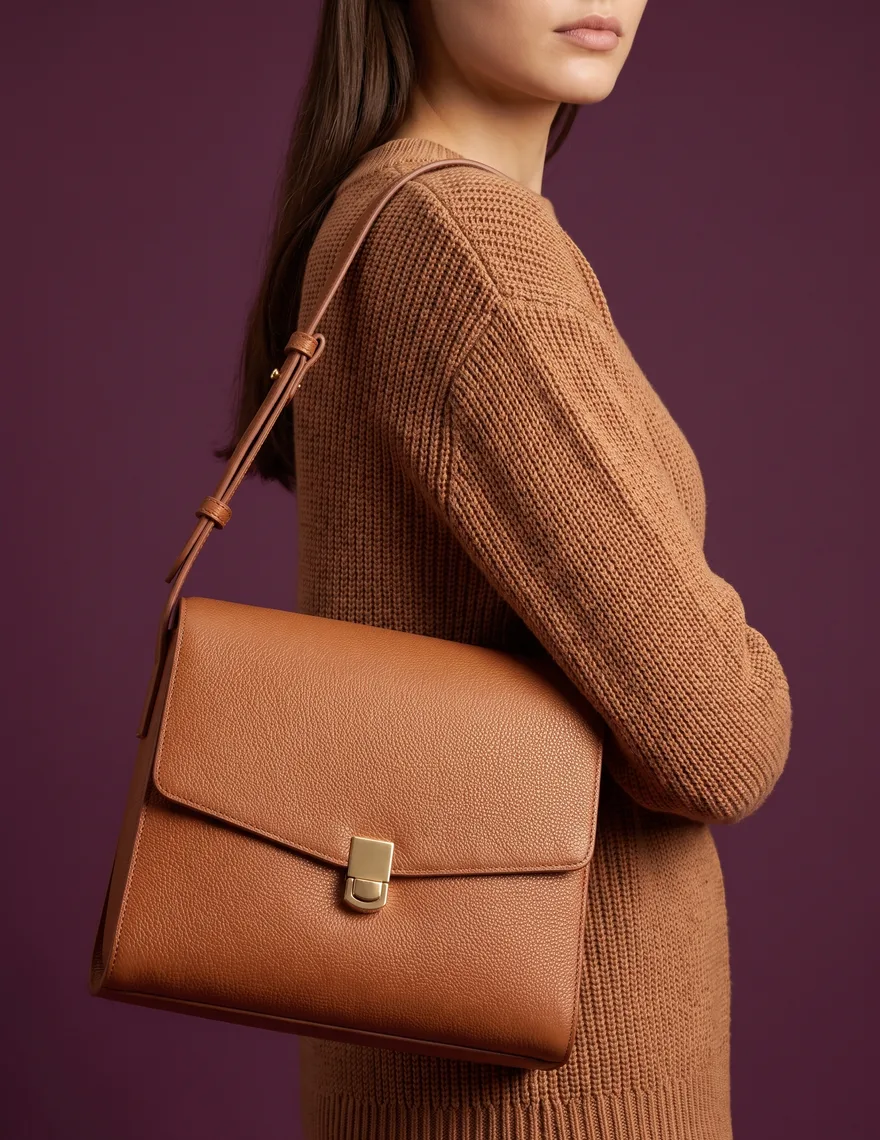
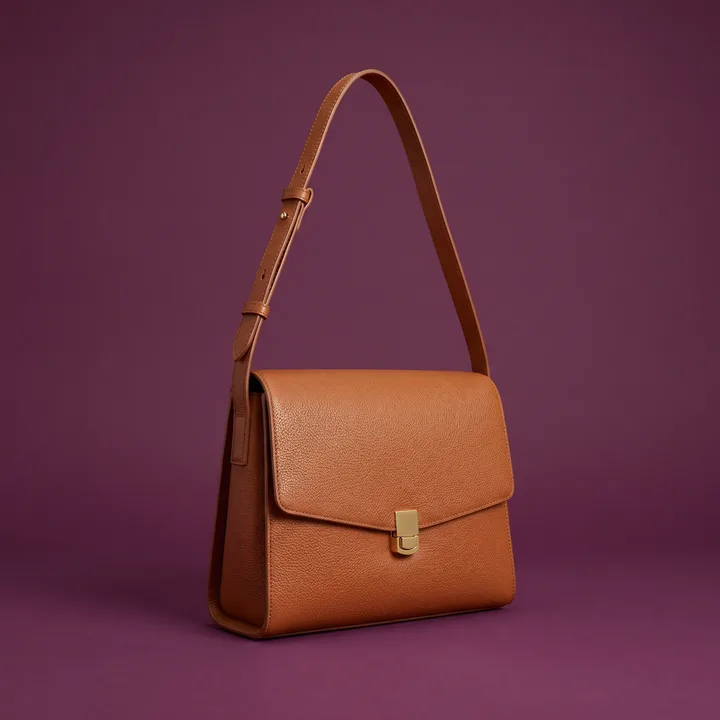
A product photo shows the garment. Try-on adds a visual preview; measurements and a size chart still matter.
Shoppers upload a photo or choose a model to preview the garment.
Paid plans support camera-based Live Try-On when enabled for the store.
A generated image does not measure the shopper or guarantee the right size. Keep your size chart available.
Create on-model images from product photos and review each result before publishing.
Live Try-On renders the garment as shoppers move. For a photo-first flow, Photo Try-On turns one image into a finished result. Both keep the product and cart action inside the modal.
The camera renders the garment in real time, then keeps the same product, quantity, and add-to-cart CTA directly below.
Choose one mode for your storefront. Both open from the PDP and keep shoppers in the buying flow.

Choose your options and complete the look.
The same catalog and credits also turn one product photo into on-model shots, scenes, and social-ready creative. Drag each slider — every render ships at 1K / 2K / 4K.
Blank canvas → on-brand design.
Flat lay → on-model in one shot.
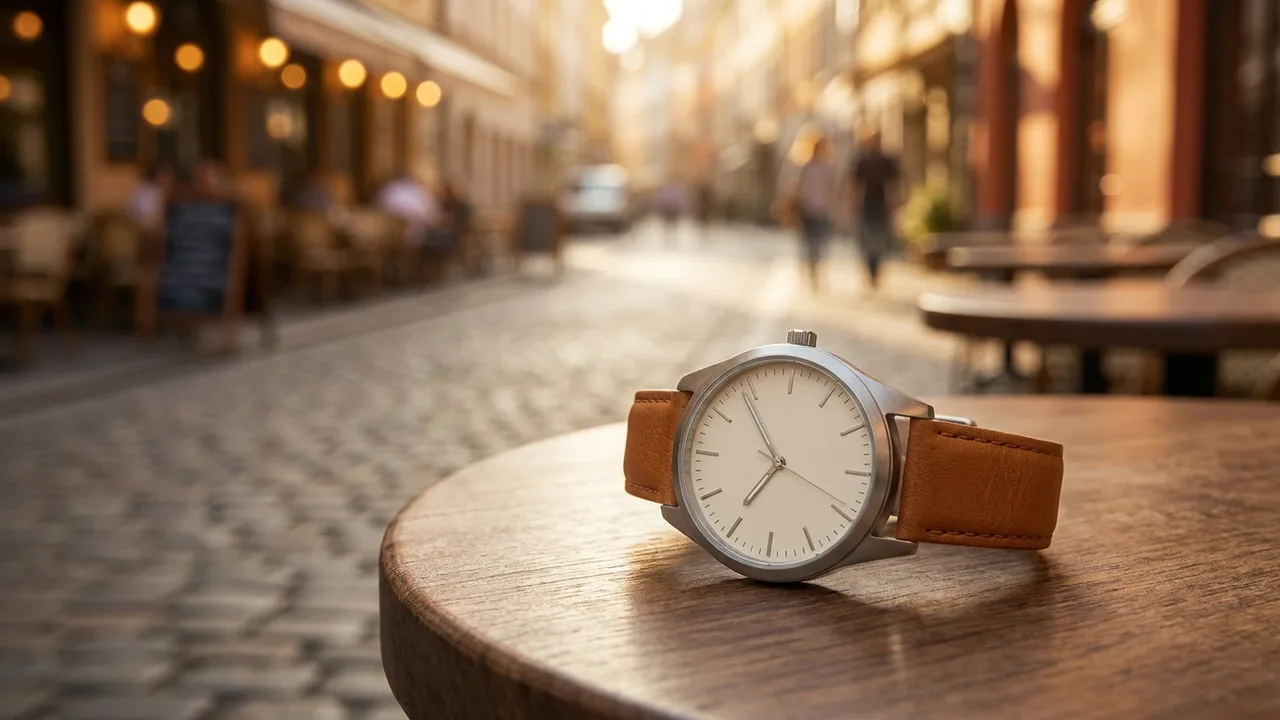
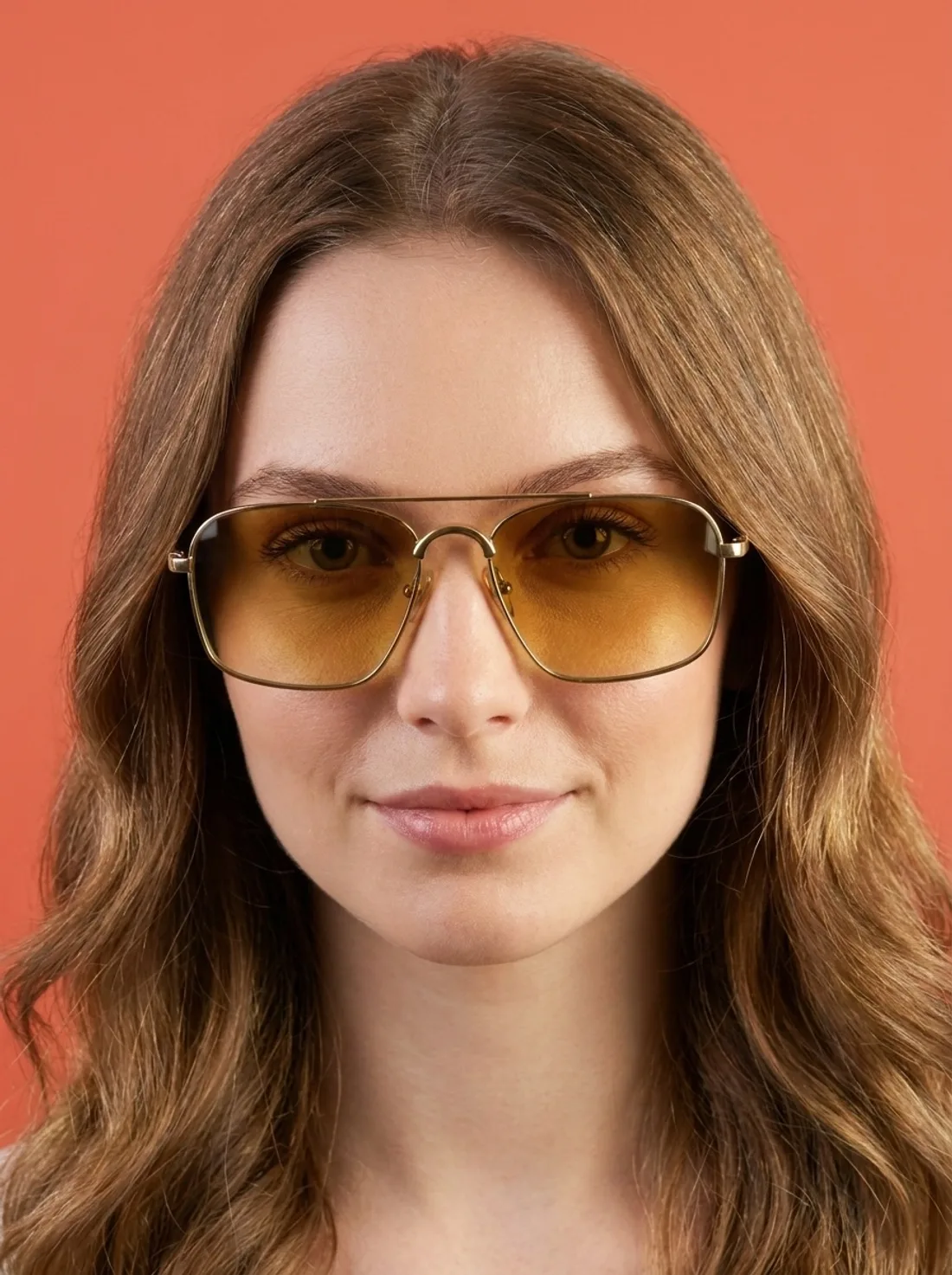
Swap backgrounds to fit any campaign.
PopSmart AI Virtual Try On installs in one click from the Shopify App Store and syncs your catalog automatically — no uploads, no re-tagging, no code.
One click from the Shopify App Store. The app syncs your catalog — images, variants, SKUs — automatically.
Add the Try-On block to your theme from the editor — no code. Shoppers can try on every product in minutes.
Generate on-model imagery, scenes, and social posts from the same catalog — then publish to Shopify, Instagram, Facebook, and Pinterest.
Subscribe for steady monthly volume. Top up with non-expiring packs when a launch, holiday, or campaign doubles your workload.
Try every tool on one collection
$0 / mo
100 credits / month
Small shops, 1–2 collections per season
$19.99 / mo
1,500 credits / month
Fashion stores with monthly drops
$49.99 / mo
4,500 credits / month
High-volume merchants and multi-brand ops
$99.99 / mo
10,000 credits / month
$9.99
1,000 credits
~66 images at 1K
$29.99
3,000 credits
~200 images at 1K
$79.99
8,000 credits
~585 images at 1K (incl. bonus)
+ 800 bonus (10%)$149.99
15,000 credits
~1,150 images at 1K (incl. bonus)
+ 2,250 bonus (15%)$249.99
25,000 credits
~2,000 images at 1K (incl. bonus)
+ 5,000 bonus (20%)Annual plans: 20% off, billed upfront. Credits drip every 30 days so your cap resets predictably.
Monthly subscription credits reset each period. Credit Pack credits never expire.
Setup guide, pricing and more answers →
Shoppers upload a photo or choose a model. The finished try-on keeps the exact product, quantity, and add-to-cart CTA directly below. The camera renders the garment in real time, then keeps the same product, quantity, and add-to-cart CTA directly below. Choose one mode for your storefront. Both open from the PDP and keep shoppers in the buying flow.
Subscription credits reset at the start of each billing period — unused credits do not roll over. Credit Pack credits are different: once purchased, they never expire, even if you cancel your subscription. Most merchants subscribe for baseline volume and top up with packs during busy launch weeks.
You do. Any output derived from your own product images is yours to use, license, and publish — subject to the underlying third-party rights of any people or branded items captured in your source photos. We do not claim any ownership stake in your renders, and we do not reuse them in any marketing of our own without explicit permission.
No. Customer photos uploaded via the Try-On widget are stored in a private Cloudflare R2 bucket, accessed only through 1-hour signed URLs, and automatically purged within 24 hours. They are never shared with our AI providers for training, and EXIF/GPS metadata is stripped on upload. We also honor Shopify's GDPR webhooks — customers/data_request, customers/redact, shop/redact — out of the box.
Yes. Publisher connects to Instagram, Facebook, and Pinterest via official OAuth flows. Tokens are AES-256-GCM encrypted at rest, scoped to the minimum permissions needed, and revocable at any time from inside PopSmart AI Virtual Try On or from the platform's native app settings. See /data-deletion for details on how we handle revocation and account removal.
Virtual try-on gives shoppers a visual preview. It does not measure their body or guarantee fit, sales, or fewer returns. Keep accurate size information available and measure results for your own store.
Annual plans are billed once upfront at a 20% discount compared to monthly. To keep your cap predictable, annual plan credits are granted on a 30-day drip schedule rather than as one giant lump sum — so your monthly cap still resets predictably, you just lock the lower price for the year.
Subscribe when volume is predictable — for example, you run a fashion store with a steady stream of new SKUs. Buy Credit Packs when usage is seasonal, campaign-driven, or bursty. Packs never expire, so they work well as a buffer for launch weeks, holiday campaigns, or one-time catalog refreshes.
Yes. The Virtual Try-On widget ships as a Theme App Extension, which means it's a block you add from the Shopify theme editor — no Liquid edits, no theme code changes, no risk of breaking an existing theme on update. It works on every theme that supports app blocks (all Online Store 2.0 themes).
Render times depend on resolution. 1K renders complete in ~8 seconds, 2K in ~12 seconds, and 4K in ~15 seconds. Most merchants preview at 1K to iterate quickly, then only spend credits on 4K for the final hero shot or print-ready asset.
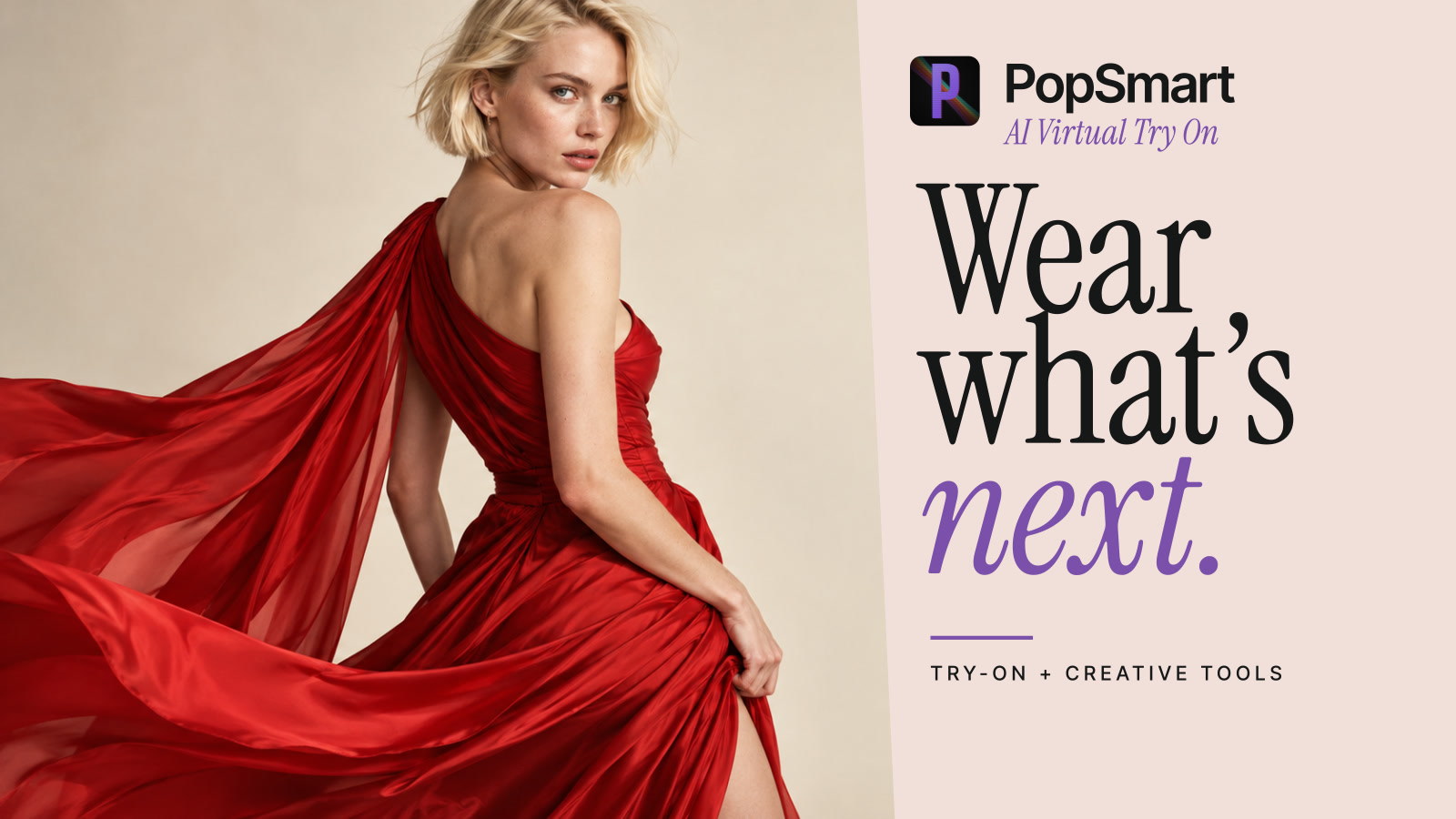
Add visual try-on to your product pages and create on-model imagery from your catalog photos.